Reviewed: 24 August 2026 · Written by Jay Jung
Standby power is the electricity a device uses while it appears off, waits for a remote control, keeps a clock or network connection alive, or remains ready to start quickly. Energy.gov.au says standby may account for up to 3% of household energy use and could cost up to $100 a year. Those are upper-bound national guidance figures, not a promise about your home. The useful question is which devices in your home draw power while idle, what that draw costs at your actual tariff, and which loads can be controlled without creating a safety or reliability problem.
Start with an audit, not a whole-house switch-off
A device-by-device audit separates measurable waste from necessary continuous operation. Walk through the home after normal use has finished. List devices with a plug, power pack, display, remote control, charger, network connection or “instant on” function. Record the room, device, usual idle state, whether it must stay available, and how easily the plug can be reached.
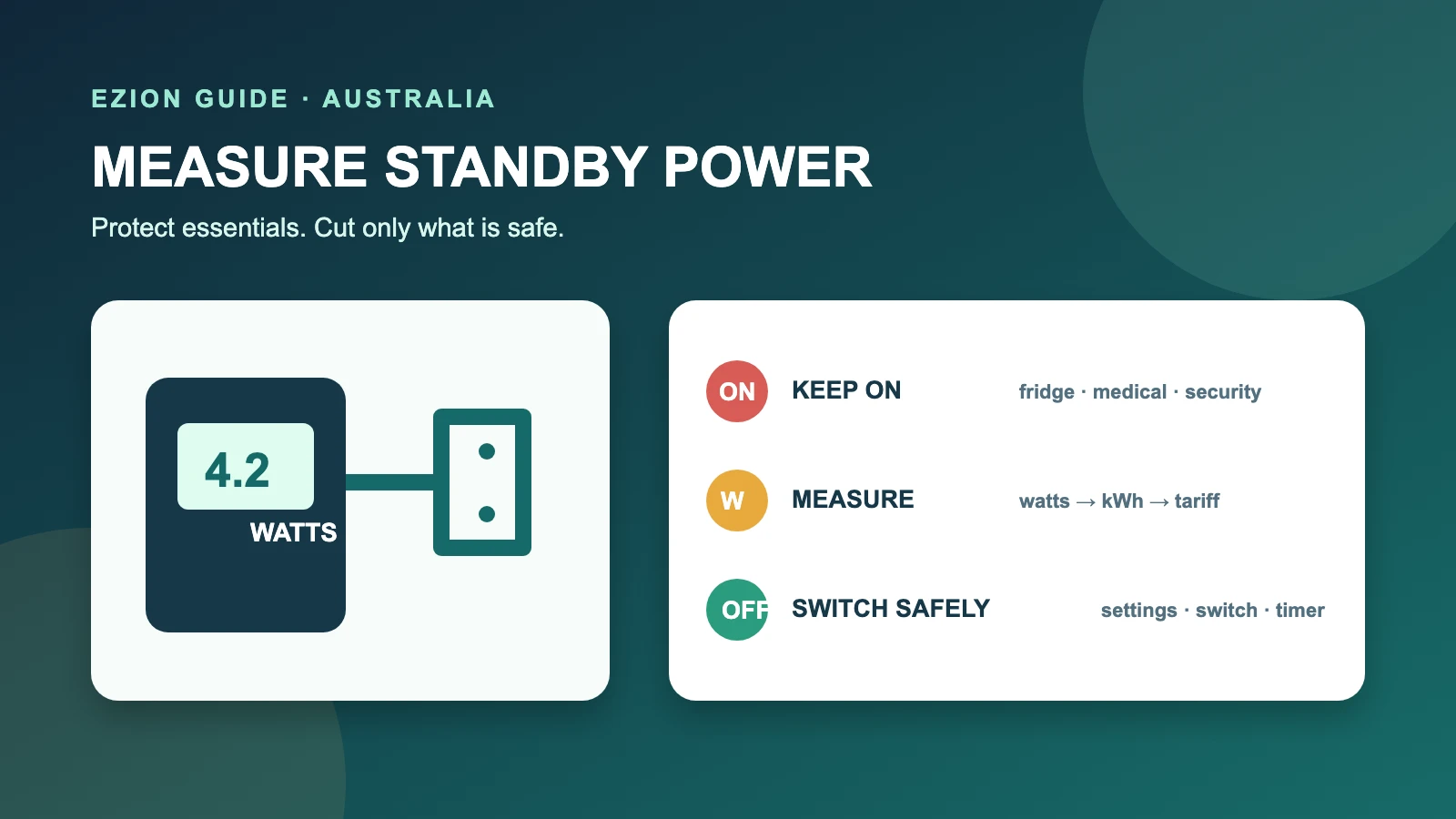
Do not begin by turning off every power point. Refrigerators and freezers need continuous power. Critical medical equipment must follow its manufacturer and medical-device provider instructions. Internet routers may support phones, security, monitoring or work systems. Smart-home hubs, alarms, cameras, automated lighting, irrigation controllers and devices waiting for scheduled recordings, downloads or software updates may lose essential functions when disconnected.
The goal is a short control plan: leave necessary loads alone, measure uncertain loads, and switch or schedule only devices that are safe to interrupt. This is different from estimating the running cost of an appliance during active use, and narrower than a general home-efficiency plan.
What counts as standby power?
Standby is not one universal mode. A television waiting for its remote, a game console in quick-start mode, a microwave clock, an audio system with a display, a printer waiting on Wi-Fi, and a charger left plugged in without a device may all draw different amounts. A product can also have several low-power states: off, passive standby, networked standby and sleep.
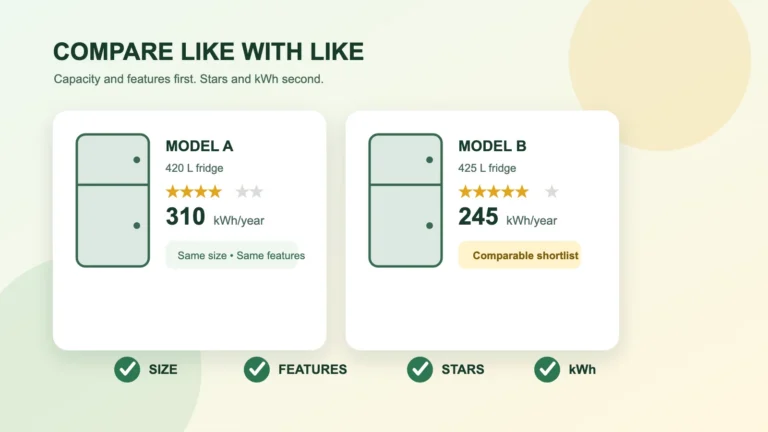
Labels and product literature can help identify rated consumption, but they do not always reproduce your settings, network activity or accessory configuration. The Energy Rating Label is primarily designed to compare energy use for regulated products under standard test conditions. Treat it as comparison information, not a substitute for measuring every standby state in your own setup.
External power supplies are regulated products in Australia, and efficiency rules include no-load performance. Even so, age, design, connected equipment and operating mode vary. A power pack that feels warm may deserve attention, but touch is not a measurement and excessive heat, damage, buzzing or a burning smell is a safety warning rather than an efficiency experiment.
How to measure one device safely
A plug-in electricity meter can show watts between a standard wall outlet and a plug-connected appliance. Use a meter approved for its intended Australian supply and follow its instructions, current limit and indoor-use restrictions. Do not use it on hard-wired equipment, behind damaged fittings, in wet locations, or where the plug cannot sit securely. If the outlet, plug or cord is loose, cracked, discoloured or hot, stop and arrange qualified advice.
- Put the device into the exact idle state you normally leave it in.
- Connect the meter as instructed, without stacking adaptors or overloading an outlet.
- Wait long enough for startup activity to settle. Networked devices may cycle, so use the meter’s accumulated energy function or an average over several hours when possible.
- Record watts, measurement duration, device settings and anything that woke during the test.
- Restore the device and verify clocks, schedules, network access and safety functions before moving on.
Very small readings can be close to a cheap meter’s resolution. Do not report false precision. If the display moves between values, record a range or a longer-period average. Measure a combined entertainment setup only if you also understand which component causes the draw; otherwise test components separately so the result leads to an action.
Convert watts to annual kWh and dollars
Use this formula for a load that remains at the measured level:
Annual kWh = standby watts × standby hours per day × 365 ÷ 1,000.
Then calculate annual cost = annual kWh × your electricity usage tariff in dollars per kWh. Use the variable usage rate from your current plan. Do not add the daily supply charge, because that charge generally remains even if one device is switched off. If you are on time-of-use pricing, divide standby hours across the applicable rates instead of applying one invented average.
For example, a measured 5-watt load left idle for 20 hours a day uses 5 × 20 × 365 ÷ 1,000 = 36.5 kWh a year. At a hypothetical usage rate of $0.32 per kWh, that is $11.68 a year. This example explains the method; it is not a typical-device claim or a savings guarantee. Recalculate with your reading, realistic idle hours and tariff.
If you need to estimate active-use costs as well, use the appliance running-cost calculator guide. Keep active hours and standby hours separate so they do not add to more than 24 hours a day.
Prioritise by annual cost, convenience and risk
Rank the audit rather than chasing every illuminated clock. A useful first group is equipment with a measurable idle draw, long idle periods, easy access and no required background function. Entertainment cabinets, older audio gear, spare monitors, printers used occasionally and game systems with optional quick-start settings often warrant measurement. Results depend on the actual model and configuration.
A second group can often be improved through settings instead of disconnection. Look for energy-saving sleep, automatic shutdown, shorter idle timeouts, disabled quick-start, or scheduled network standby. Save current settings first and check what functionality changes. A television may take longer to start; a console may stop background updates; a printer may no longer be available remotely.
Leave low-value or high-consequence loads until last. Saving a small amount is not worth spoiled food, an unavailable medical device, a disabled alarm or a broken home automation. The Australian home energy guide helps place standby work beside larger heating, cooling, hot-water and appliance decisions.
When a switched power board makes sense
A compliant switched power board can make several related, low-risk devices easier to disconnect, such as a television, speakers and a console after confirming none needs to record, update or remain remotely accessible. Switch the board off only after equipment has shut down normally. Do not use the board as a substitute for a wall outlet switch where product instructions say otherwise.
Energy Safe Victoria advises using electricity safely, keeping leads and appliances in good condition, and not overloading power boards. The ACCC has also warned households to check for unsafe power boards and double adaptors. Use products suitable for Australia, follow the rated load, keep ventilation clear, and never piggyback one power board or double adaptor into another. High-load heating, cooking or laundry appliances should follow their manufacturer connection instructions and generally should not share an improvised multi-board arrangement.
Do not run a cord under rugs, through doorways where it can be crushed, or where children, pets, water or heat can damage it. Retire a board with scorch marks, cracked casing, loose sockets, damaged insulation, unreliable switches or repeated safety-device trips. Stop using suspect equipment and ask a licensed electrician when wiring, outlets or fixed installations may be involved.
Timers and smart plugs are controls, not free energy
A timer can disconnect a predictable load overnight. A smart plug can add schedules, remote control or energy monitoring. Both consume some electricity themselves, so measure or check their own draw and compare it with the load they are meant to avoid. A control that uses nearly as much as the avoided standby load may provide convenience but little net energy reduction.
Check electrical ratings and manufacturer compatibility. Do not use a remote switch where an unexpected restart could cause movement, heat or another hazard. After an outage or firmware update, verify that schedules and default on/off behaviour remain appropriate. Cloud-dependent controls may fail differently when the internet is unavailable.
Smart plugs also expand the household’s connected-device footprint. Secure accounts, updates and networks using the smart-home device security guide. Do not sacrifice a security or safety function merely to achieve a cleaner standby figure.
Devices that usually need an explicit exception
- Fridges and freezers: leave powered continuously and address efficiency through temperature, seals, ventilation and replacement decisions, not routine switching.
- Medical equipment: never interrupt critical equipment based on this guide. Follow the manufacturer, clinician and medical-device provider, including backup-power requirements.
- Routers and communications: check whether phones, emergency calling, work access, monitoring or other people depend on the connection.
- Security and automation: identify alarms, cameras, smart locks, sensors, hubs and routines that fail when a controller loses power.
- Recordings and updates: televisions, set-top boxes, consoles and computers may need scheduled wake periods. Prefer settings that preserve the required task.
- Battery devices: follow charging and storage instructions. Do not use timers to bypass battery-safety management or leave damaged batteries charging unattended.
A practical seven-day audit
On day one, inventory likely loads and mark exceptions. Over the next four days, measure the easiest uncertain devices during representative idle periods. On day six, calculate annual kWh and cost using your tariff, then rank candidates. On day seven, change only a small group through settings, a reachable switch or a correctly rated control.
Recheck the household after a week. Confirm food remains cold, medical and security systems work, internet-dependent services reconnect, clocks and recordings are correct, and nobody has started bypassing the plan with unsafe adaptors. Re-measure controlled devices to calculate net reduction, including the timer or smart plug itself.
Keep a simple table with device, idle watts, idle hours, annual kWh, tariff, annual cost, action, exception and recheck date. Review it when equipment, plans or household routines change. A transparent audit is more useful than assuming the national “up to” figure applies to every home.
Official sources
- energy.gov.au — Appliances
- Energy Rating — Understand the Energy Rating Label
- Energy Rating — External power supplies
- Energy Rating — Standby Power: Current Status (2006 historical report)
- energy.gov.au — Smart homes
- Energy Safe Victoria — Using electricity safely
- Product Safety Australia — Check for unsafe power boards and double adaptors
The linked 2006 standby report is historical context. Its device counts, wattages and savings estimates describe evidence available at that time and should not be presented as current household performance. Measure current devices and use current tariffs.
Disclosure
This non-affiliate guide provides general information only. It does not guarantee savings, electrical safety or any particular outcome. Follow product instructions and seek advice from a licensed electrician for electrical concerns. For medical equipment, follow the manufacturer, clinician and medical-device provider; do not alter power arrangements based only on this article.