Reviewed: 18 August 2026 · Written by Jay Jung
The complaint is almost always the same. Everything is fine at 2pm, then somewhere around dinner the video call stutters, the stream drops to a softer picture, and the download that was flying an hour ago crawls. Nothing in the house changed. The plan did not change. Yet the connection behaves like a different service after dark.
Evening slowdown has three common causes that feel identical from the couch: capacity your provider buys for the busy period, coverage inside your home, and how many devices are competing at once. They are fixed in completely different ways, and buying a faster plan only helps for one of them. This guide separates them with tests you can run in one evening.
What “slow at night” actually describes
Australian plan labels are written around the evening. Under the ACCC’s approach to broadband speed claims, the busy period is 7pm to 11pm, and the label describes typical performance in that window: Basic Evening Speed is less than 15 Mbps, Standard Evening Speed at least 15 Mbps, Standard Plus Evening Speed at least 30 Mbps and Premium Evening Speed at least 60 Mbps. Those are not maximums and not guarantees — they are what the plan is expected to deliver when everyone is home.
That framing matters because “slow” is only meaningful against a number you agreed to. A Premium plan drifting to 45 Mbps at 9pm is a different conversation from a Standard plan sitting at 18 Mbps at 9pm, which is doing exactly what it said it would. Find your plan’s typical evening speed on the offer or your provider’s critical information summary before you diagnose anything.
Independent comparison data exists but has an end date: the ACCC’s Measuring Broadband Australia program concluded in June 2026, with published reporting reflecting measurements up to March 2026. It is still useful for understanding how far real services drifted from advertised maximums, and how providers differed on latency, packet loss and outages — but it is history now, not a live scoreboard.
Where evening congestion actually sits
nbn’s own congestion guidance is blunt about the division of labour: nbn provides wholesale capacity, and your provider buys how much of it their customers will share. As nbn puts it, your provider’s capacity matters during peak hours, and if the provider does not have enough capacity, congestion may occur when there is more traffic. Your experience also depends on whether you are using the internet during the busy period and on factors outside nbn’s control.
Practically, that means the retail provider is the party who decides whether your suburb’s evening feels comfortable or crowded. Two households on the same street, on the same technology and the same tier, can have very different 8pm experiences with different providers. This is also why “the nbn is slow tonight” is usually the wrong address for the complaint.
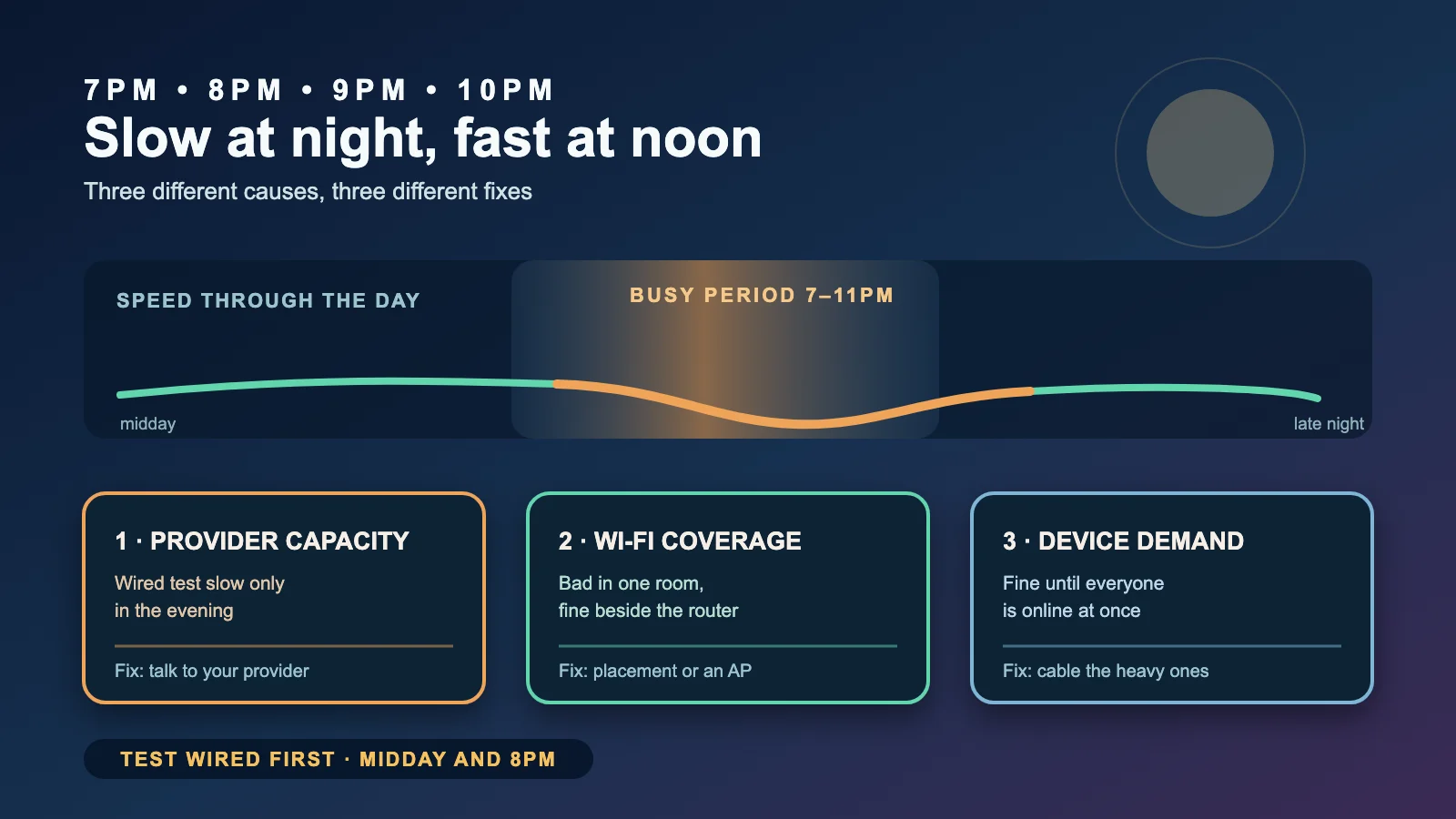
Congestion looks characteristic once you know the shape: speeds that are normal at 11am and degraded between roughly 7pm and 11pm, on every device, including a device plugged in with a cable. If your slowdown does not follow that clock, or disappears the moment you sit next to the router, it is probably not provider capacity at all.
Prove it in one evening: test wired first
nbn’s recommended sequence is worth following exactly, because it is the only way to make the fault have one owner. Test beside the router. Test again with an Ethernet cable. Then test in the rooms where people actually complain. Compare the wired result with the Wi-Fi result.
Do that twice: once in the middle of the day, once between 7pm and 11pm. Record date, time, device, wired or wireless, room, download, upload and latency. Four numbers, eight rows, one file. That table is both your diagnosis and, if you end up complaining, your evidence.
Read it like this. Wired is fine at midday and poor in the evening, on every device: that points at busy-period capacity, and the next step is your provider. Wired is fine at both times but Wi-Fi is poor in one room: that is coverage, not congestion. Wired is poor at all hours: that is a service or line fault, not an evening problem. Everything is fine until one particular activity starts: that is contention inside the house.
Our home network setup guide covers the whole build order these tests feed back into, and our NBN speed tiers guide covers the separate question of whether the tier you bought was ever going to be enough for your evening.
When it is your Wi-Fi, not the network
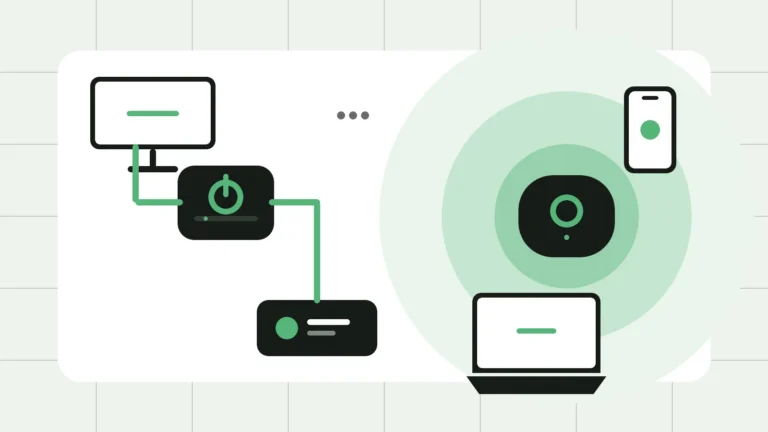
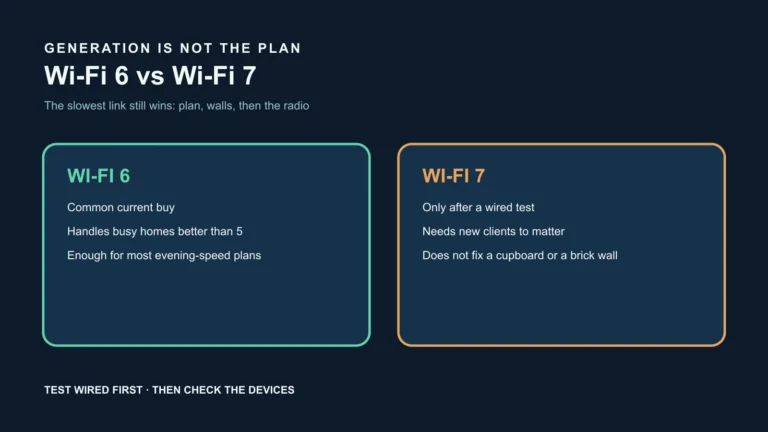
Wi-Fi is where most “slow internet” actually lives. nbn’s in-home advice is to place the router off the floor, raised and central, close to where devices are used most — and warns that metal doors, appliances, mirrors, solid walls, floors and ceilings significantly reduce signal, as does hiding the router in a cupboard or behind furniture. Old cabling also drags speeds down and may need assessment by a registered cabler.
The tell is geography rather than time. If the back bedroom is bad at 11am and worse at 9pm while the kitchen is fine at both, you have a coverage problem that congestion is merely making more obvious. Moving the router, removing an obstruction, or adding a properly connected second access point changes that; upgrading the plan does not.
Our weak Wi-Fi guide works through those symptoms room by room. If the answer turns out to be structural, our Ethernet versus mesh comparison covers which topology to choose and why wired backhaul usually beats another wireless hop.
When it is simply too many devices
nbn notes that the average household globally now has around 25 connected devices, that all active devices share the plan’s bandwidth, and that performance suffers particularly when several are streaming, gaming or uploading large files at once. Evening is exactly when those overlap: two streams, a console update, a cloud photo backup and someone on a video call.
Device capability matters as much as device count. nbn’s guidance is that mismatched Wi-Fi generations still connect but at reduced speed, and that the slowest element — router, cable or device — sets the ceiling. An older laptop on Wi-Fi 4 will not exceed its own limit no matter what tier you buy, and it can occupy airtime that other devices then have to wait for.
Two cheap fixes usually help more than a plan upgrade: move the heaviest fixed devices onto cables, and move the discretionary traffic off the busy period. nbn’s wired-versus-wireless guidance suggests connecting high-demand devices such as smart TVs and consoles by Ethernet while phones and tablets stay on Wi-Fi, and recommends at least Cat 6 cable for any new run. Scheduling console and computer updates overnight removes a large, invisible competitor from the 8pm window.
What actually fixes each cause
If the wired evening test is well below your plan’s typical evening speed while midday is fine, the fix is a provider conversation: capacity, a different plan, or a different provider. If the wired result is fine and Wi-Fi is not, the fix is placement, obstruction, or a better-connected access point. If both are fine until the household piles on, the fix is cabling the heavy devices and shifting the optional traffic. If nothing is ever fast, the fix is a fault report, not an upgrade.
Be careful with the one upgrade people reach for first. A higher tier raises the ceiling; it does not create provider capacity in the busy period, does not extend Wi-Fi range, and does not stop devices competing. Buy it when the tier is genuinely too small for your simultaneous evening use, which the tiers guide walks through — not as a hopeful fix for a symptom you have not located.
Complaining with evidence
nbn is explicit about routing: concerns about service performance — slow speeds, dropouts, service loss — and connection delays go to your phone and internet provider, because your provider retails the service. nbn handles infrastructure matters such as property damage, contractor conduct, equipment installation and land access, and says it will investigate and contact you within 15 business days for the complaints it owns.
Give the provider your table, not an adjective. Plan and its typical evening speed, technology type, wired midday result, wired evening result, in-room results, dates and times, what you have already excluded inside the home, and the outcome you want. That framing skips the scripted “have you restarted the modem” loop, because you have already answered it with data.
If the provider does not resolve it, the Telecommunications Industry Ombudsman is next. The TIO refers the complaint to the provider through a formal channel rather than general customer service, with published timeframes of 10 working days for most cases and 2 working days for urgent ones, and reports that around 80% of complaints are resolved at that stage before formal investigation.
The evening slowdown checklist
- Write down your plan’s typical evening speed before testing anything.
- Test wired beside the router at midday and again between 7pm and 11pm.
- Test the problem rooms over Wi-Fi at both times.
- Record date, time, device, wired or wireless, room, download, upload, latency.
- Wired evening poor, midday fine → provider capacity in the busy period.
- Wired fine, Wi-Fi poor in specific rooms → coverage, not congestion.
- Fine until several devices are active → contention; cable the heavy devices.
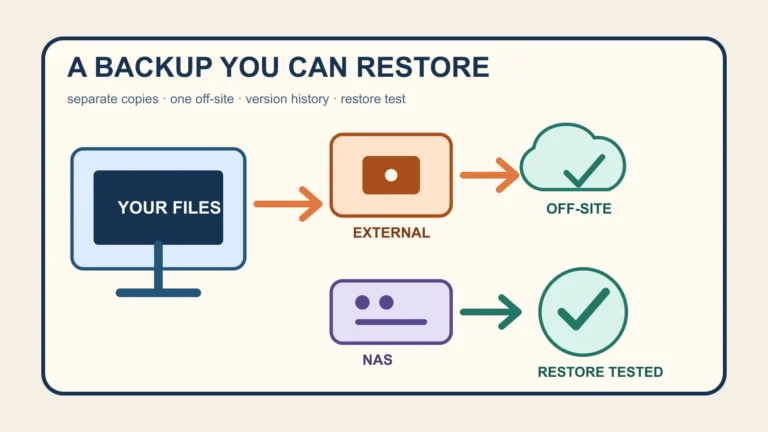
- Move updates and backups outside the 7–11pm window.
- Check for a Wi-Fi generation mismatch on the slowest devices.
- Escalate with the table: provider first, nbn for infrastructure, TIO if unresolved.
Official sources
- nbn — How network congestion can impact your internet experience
- nbn — Tips to optimise your home internet set-up
- nbn — Wi-Fi, wired, or both
- nbn — Your connected devices
- nbn — Complaints and who to contact
- ACCC — Broadband speeds and speed claims
- ACCC — Broadband performance data (program concluded June 2026)
- Telecommunications Industry Ombudsman — Our process
Disclosure: Ezion Guide has no affiliate relationship with any internet provider, hardware manufacturer or government body mentioned here. This general information does not guarantee any speed, fix, refund or outcome for your household. Plans, provider capacity, address technology, hardware and rules change. Confirm current details with your provider and the relevant regulator, and follow manufacturer instructions and applicable cabling rules for any installation work.