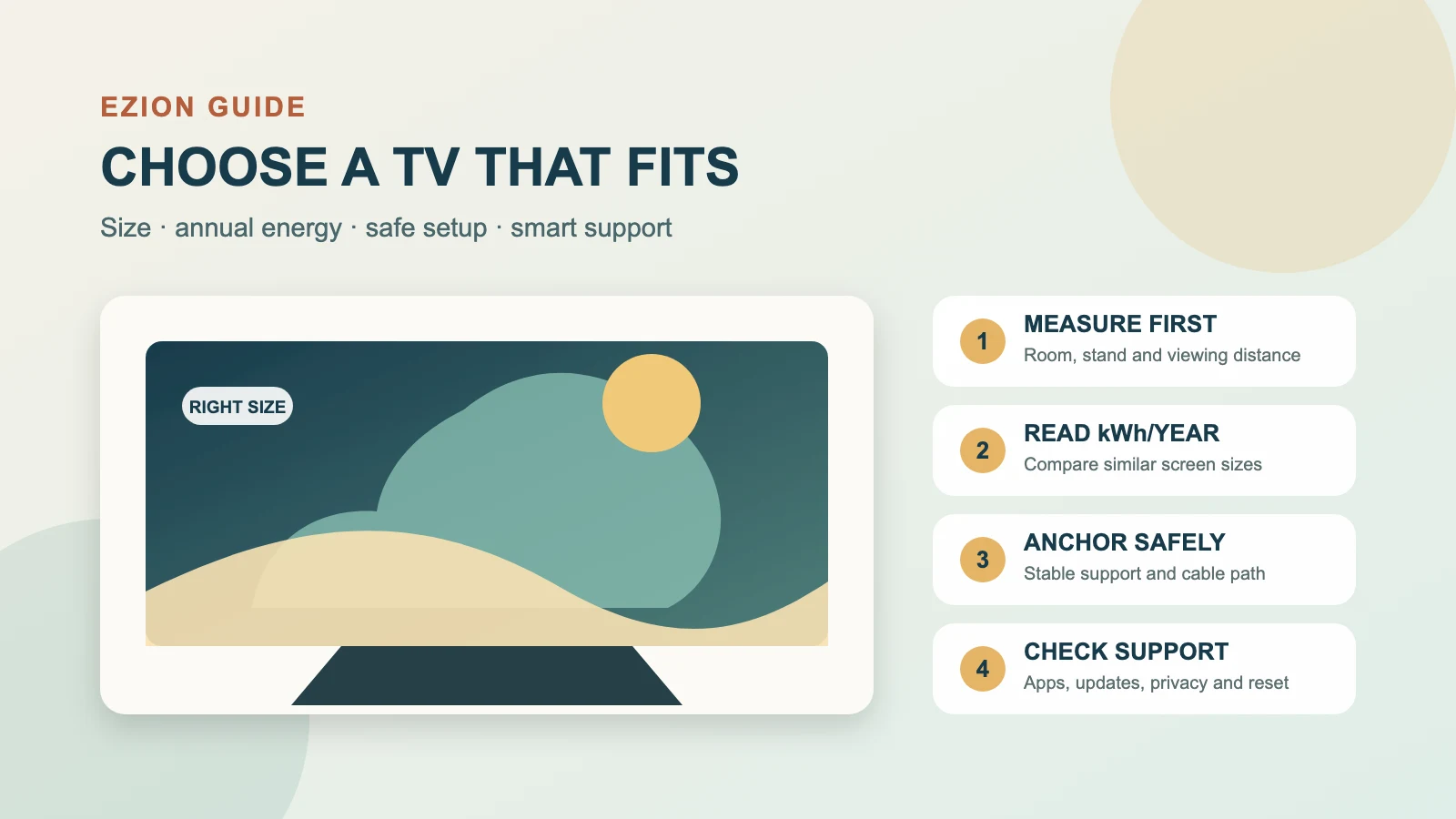
By Jay Jung · Reviewed 14 September 2026
A television can stay in a household for years, so the cheapest shelf price is only one part of the decision. Screen size, annual energy use, picture settings, streaming devices, placement, anchoring, software support and eventual recycling all affect the real cost and usefulness. This guide gives Australian households a practical way to choose, install and run a TV without assuming that a bigger screen, more stars or a particular display technology is automatically best. Use our Energy Rating Label guide for the wider appliance-label rules, our appliance running-cost guide for the kWh calculation, and our standby-power guide when checking the whole entertainment setup.
1. Decide what the television must do before comparing models
Start with the room and the people using it. Record the viewing distance, usual seating positions, daylight and reflections, cabinet or wall space, access needs, antenna and network connections, and the devices that must connect. A television used mainly for news in a bright kitchen has a different job from one used for films, sport, gaming or subtitles in a dark living room.
List the inputs and features you genuinely need: free-to-air television, streaming apps, enough HDMI ports, audio return for a soundbar, captions, screen-reader or voice guidance, a headphone option, gaming features, parental controls and a simple remote. Do not pay for an app platform without checking whether the services your household uses are available on that exact model and whether the manufacturer publishes a credible software-support path.
If several people will use the TV, test the interface in person where possible. Open settings, change inputs, enable captions and adjust volume. A good display with an confusing interface can remain frustrating for years. Keep model numbers, feature claims and quoted support periods in writing before purchase.
2. Choose the smallest screen that comfortably meets the room
Television size is the diagonal screen measurement, not the full cabinet width. Measure the actual wall, stand, doorway and lift or stair access rather than estimating from the advertised inches. Leave the ventilation clearance required by the manufacturer and enough room to reach connections without sharply bending cables.
The Australian Government Energy Rating guidance says larger televisions generally cost more to buy and run, and recommends choosing the smallest size that meets your needs. This does not mean buying an uncomfortably small screen. Text, captions and interface elements must be readable from the normal seat, particularly for people with low vision. It means avoiding extra area that adds cost and energy but no useful viewing benefit.
Compare like with like after choosing a suitable size range. A five-star 65-inch television can still use more electricity each year than a five-star 43-inch television because the label’s efficiency rating accounts for size. The annual kWh figure is the clearer cross-size check.
3. Read both numbers on the Energy Rating Label
Televisions supplied within the regulated scope must meet Minimum Energy Performance Standards and carry an Energy Rating Label in physical stores. The label shows a star rating and estimated annual electricity consumption. More stars mean greater efficiency when comparing televisions of a similar size and features. The annual kWh figure supports a running-cost estimate.
The standard television label calculation assumes 10 hours of use and 14 hours of standby each day. That is a comparison convention, not a prediction of your household. A TV watched for two hours daily may use much less than the label figure; a display running all day at a bright setting, with consoles and speakers attached, may use more. Retail websites are not always required to show the label, so ask for the registered model’s label or look it up in the official Energy Rating Calculator.
Use the exact model suffix. Similar product names can cover different screen sizes or regional versions. First compare annual kWh among models that meet the same size and function. Then multiply annual kWh by your current usage rate per kWh for a rough annual usage-cost estimate. Do not include the daily supply charge, because buying a different TV usually does not remove that fixed charge.
4. Treat picture mode as an energy and viewing choice
Store demonstration modes are designed to look vivid under retail lighting. At home they can be unnecessarily bright, harsh or power-hungry. Start with the manufacturer’s standard, cinema, filmmaker or energy-saving mode, then adjust for the room. Avoid copying calibration numbers from a different model merely because the brand is the same.
Automatic brightness or ambient-light sensing can reduce screen output in darker rooms, but verify that the result remains comfortable and does not obscure shadow detail or captions. High-dynamic-range programmes may legitimately raise brightness for highlights. The aim is not to force the dimmest setting; it is to avoid more light than the room and content require.
Disable a screen saver, always-on display, quick-start mode or promotional content if you do not use it and the manual confirms the consequence. Configure automatic sleep for inactivity. However, do not routinely cut power during a firmware update, panel-maintenance cycle or other process the manual says must finish in standby. Some display technologies perform maintenance after switch-off.
5. Count the complete entertainment system
The television label does not include every connected device. Streaming boxes, game consoles, recorders, soundbars, subwoofers, network switches and powered antenna equipment can draw electricity in use and standby. A TV upgrade may also add a device that duplicates apps already built into the display.
Make a simple inventory and decide which equipment needs to remain available. Configure consoles and media players to sleep after inactivity. Turn off unused amplifiers and speakers. A switched power board can be useful for equipment that is safe to disconnect, but do not overload it, daisy-chain boards or cut power to devices that require continuous operation, recording, security updates or a controlled shutdown.
Measure plug-connected devices only with a monitor that is properly rated and used according to its instructions. Never open a TV or fixed electrical equipment to measure it. If a plug, lead, socket or power board is damaged, hot, loose, discoloured or repeatedly trips protection, stop using it and seek appropriately licensed electrical help.
6. Plan safe support, anchoring and cables
A large flat television can cause serious injury if it topples. ACCC Product Safety advises using a stable, low position and securing televisions so they cannot fall. Do not place a TV on a chest of drawers, narrow shelf or furniture not designed for its weight and footprint. If the TV is attached to furniture, the furniture may also need to be anchored.
Use the manufacturer’s stand exactly as instructed, including every specified screw and orientation. For wall mounting, confirm the TV weight, VESA pattern, bracket rating, wall structure, fasteners, ventilation and cable path. Wall materials and concealed wiring or plumbing vary. Use a competent installer where the structure, electrical work or safe lifting is uncertain, and check rental or strata requirements before drilling.
Keep cords out of children’s reach and do not leave loops that can pull the TV. Avoid pinching power or signal cables behind a bracket. Recheck stand screws, straps and moving brackets periodically and after relocation. Search the Product Safety recall database for the exact television and bracket model, especially when buying second-hand.
7. Check smart-TV support and privacy before signing in
A smart TV is also a networked computer. Before purchase, look for the manufacturer’s software and security-update policy, app support, privacy notice and a practical reset process. A long hardware warranty does not necessarily state how long streaming apps or security updates will continue. Keep any published support promise with the receipt.
During setup, install current updates, use a unique account password and enable multi-factor authentication where available. Review microphones, voice assistants, viewing-data collection, personalised advertising, crash analytics and third-party app permissions. Decline optional collection that the household does not need. Use a guest or IoT network only if it preserves the required casting and control functions and the router actually isolates devices as intended.
An Energy Rating Label is not a cyber-security assessment. Before purchase, separately check the exact model’s update policy, privacy settings and reset process. For setup, accounts, network isolation and disposal steps, continue with our existing smart-home security guide.
8. Test accessibility and household controls
Check captions on free-to-air and streaming content, not only in a settings demo. Look for adjustable caption size, contrast and background where offered. Test audio description, screen-reader or voice guidance, high-contrast menus, remote-button feel, input naming and any hearing-device or Bluetooth-audio support the household needs.
Parental controls differ across the television, app store, streaming services and connected consoles. One TV PIN may not control every service. Set separate profiles and purchase controls where needed, record recovery details securely, and review them as children and services change. Accessibility and controls should be part of the purchase test, not an afterthought once a heavy screen is installed.
9. Keep evidence for faults and consumer rights
Save the receipt, exact model and serial number, label, delivery record, setup photos and written representations about compatibility or support. Registering a product can make safety notices easier to receive, but do not assume registration is required for rights under Australian Consumer Law.
The ACCC says consumer guarantees are automatic and separate from voluntary or extended warranties. Products must meet applicable guarantees, including acceptable quality and matching their description, with the remedy depending on the facts and whether a problem is major or minor. Do not assume that every app removal, software change or out-of-warranty fault automatically produces a refund. Contact the seller, describe the fault and keep a written timeline; use current ACCC and state or territory consumer guidance if the matter is unresolved.
10. Reuse or recycle the old television safely
If the old television still works, consider a responsible second life only after removing accounts, viewing history, Wi-Fi details, paired devices and personal settings. Follow the manufacturer’s factory-reset process, then confirm the device no longer appears in the vendor account. A reset may not cancel a streaming subscription, so manage subscriptions separately.
Do not put an unwanted television in household recycling or leave it outside a charity or collection site. The Australian Government’s National Television and Computer Recycling Scheme gives households and small businesses access to designated, industry-funded collection services without a scheme fee. Availability and collection arrangements vary, and other council services may charge. Find an approved local collection point and transport the screen so it cannot fall or break.
A practical television decision sequence
- Define the room, viewing distance, accessibility, inputs and services the TV must support.
- Choose the smallest comfortable size and measure the complete installation space.
- Compare exact models of similar size by stars and annual kWh, then estimate cost with your tariff.
- Test the interface, captions, sound, reflections and picture modes before buying where possible.
- Plan a stable stand or correctly rated mount, anchoring, ventilation and cable routing.
- Set a comfortable picture mode, sleep controls and only the smart features the household needs.
- Review the energy use of consoles, boxes and audio equipment as one system.
- Keep purchase and support evidence, check recalls, reset personal data and use an approved recycling path.
The best television is not automatically the largest, brightest or highest-star model. It is the smallest screen that comfortably performs the household’s real job, uses a reasonable amount of energy, can be supported safely, and remains understandable and maintainable for the people who use it.
Official and primary sources
- Australian Government Energy Rating: Televisions
- Energy Rating: Understand the Energy Rating Label
- energy.gov.au: Energy ratings and running-cost estimates
- ACCC Product Safety: Toppling furniture and televisions guide
- ACCC: Electronics, whitegoods and consumer guarantees
- DCCEEW: Television and computer recycling for households