Smart plug safety
Choose the load before you choose the automation
Disclosure: This article is independent and non-affiliate. It does not recommend a brand or model, report product testing, promise savings, guarantee safety, or constitute electrical advice. Product details, rules, software support and recalls can change; check the plug and appliance documentation and seek a licensed electrician when in doubt.
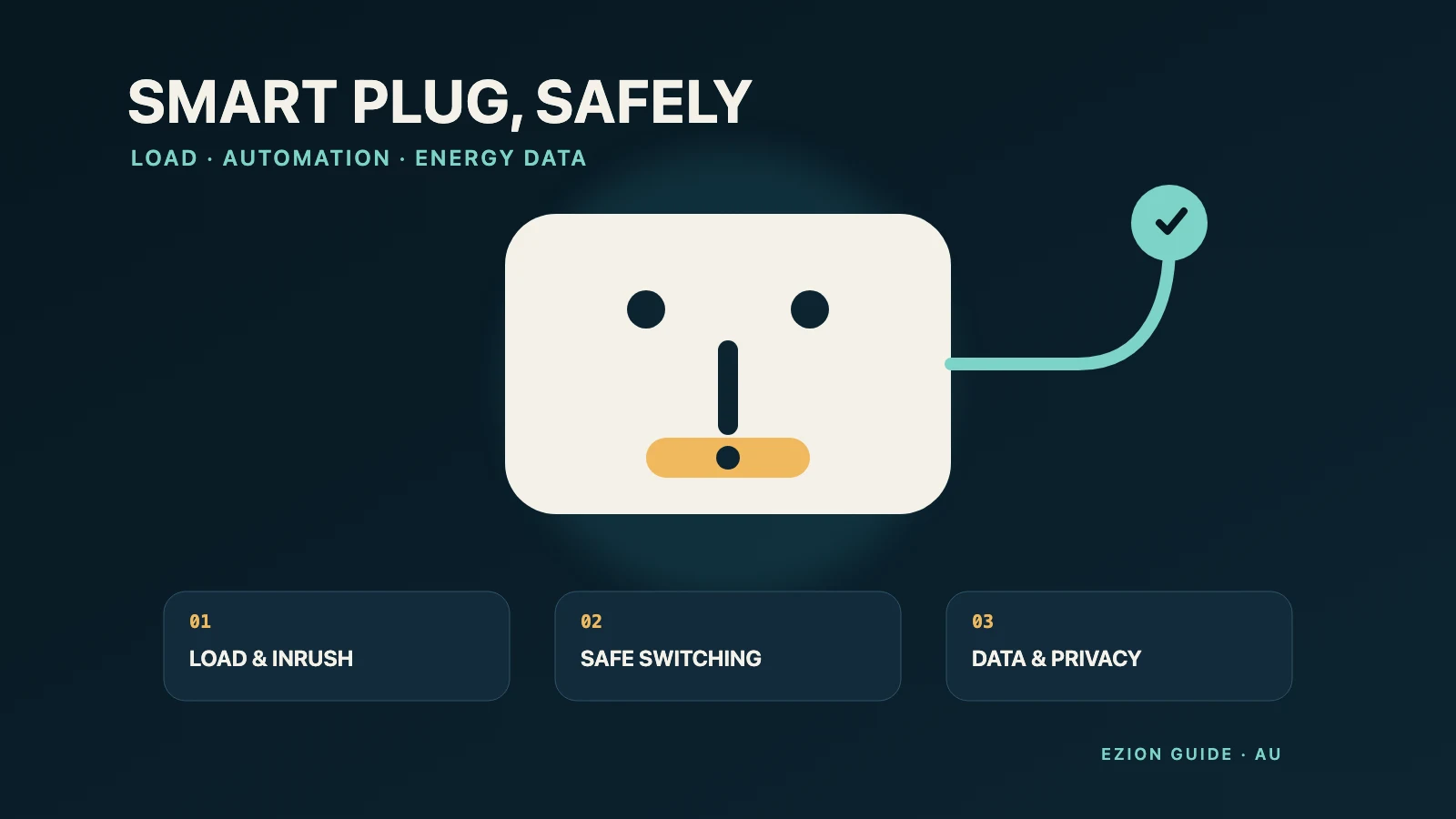
A smart plug adds a relay, wireless radio and sometimes an energy meter between a wall outlet and an appliance. That makes it useful, but it also creates three compatibility questions: can the plug carry the appliance’s real electrical load, is remote or scheduled switching appropriate for that appliance, and will the connected service remain secure and supported? Treat all three as purchase criteria—not problems to solve after installation.
This guide has a deliberately different purpose from our standby-power guide. It covers product selection, load compatibility, safe automation, the limits of energy monitoring, and the connected-device lifecycle. For broader context on choosing and operating appliances efficiently, see the Australian Government’s household appliance guidance.
Start with the job, not the app
Write down what you want the plug to do: turn a lamp off at bedtime, cut standby power from an entertainment unit, measure a desk setup, or provide remote control while you are nearby. A simple local schedule may not need a cloud account. Energy monitoring is unnecessary if you only need switching. Extra integrations, microphones, hubs and remote-access features increase complexity, data collection and the number of services that can fail.
Before buying, inspect the intended outlet and appliance. The plug should fit without forcing it, blocking switches or adjacent sockets, or hanging under cable strain. Use it only in the environment stated by its instructions. An indoor device does not become suitable for a veranda, bathroom, shed or damp area because it is protected from direct rain. Do not cover it, place it where heat cannot escape, or stack it with adaptors and double adaptors. If the wall socket is loose, cracked, discoloured, buzzing or hot, stop and arrange an electrical inspection rather than using a smart plug to work around the fault.
Match the electrical load properly
There is no single wattage that is safe for every smart plug or every appliance. Read the plug’s label and manual for rated voltage, current, frequency, load type, duty limits and any separate restrictions for resistive, motor, transformer, LED or capacitive loads. Then read the appliance rating plate and manual. The lower applicable limit governs.
Do not compare only the appliance’s normal running watts with a headline maximum on a shop listing. Motors and compressors can draw a much higher starting current. Power supplies, transformers and some lighting can have brief inrush current. A heater may run near its rated load for long periods. A smart plug’s relay may therefore face a harder task than the average wattage suggests. If the manufacturer does not explicitly state that the plug is suitable for that appliance type and operating pattern, choose another control method or ask the manufacturer; do not infer compatibility.
- Plug the smart plug directly into a suitable fixed wall outlet unless its instructions expressly permit another arrangement.
- Do not daisy-chain it with power boards, extension leads, travel adaptors or another smart plug.
- Count the combined load when several devices sit behind one permitted power board; each device being small does not make the total small.
- Keep the outlet accessible so power can be disconnected without relying on an app, voice assistant or internet connection.
- After initial use, check for abnormal heat, smell, noise, flicker, discolouration or intermittent operation. Switch off, unplug when safe, and stop using it if any appears.
Check for the Regulatory Compliance Mark on the product as part of due diligence. The EESS explains that the RCM represents compliance with the EESS and ACMA labelling schemes for in-scope equipment. It is a regulatory compliance mark, not a government product endorsement, a stand-alone certification, or a guarantee that a particular plug suits your appliance. Keep the supplier, model, serial or batch details, receipt, manual and a photo of the label. Search the official consumer product recalls database before first use and periodically thereafter.
Loads that should not be switched automatically
A smart plug can restore power without confirming that the appliance, room or person is ready. Automations can also run after a blackout, router restart, clock error, account compromise or accidental voice command. For that reason, some loads should stay outside unattended smart-plug routines.
- Medical, safety-critical or accessibility-critical equipment: do not put equipment needed for health, breathing, monitoring, alarms, mobility or essential communications behind a consumer smart plug. A cloud, Wi-Fi, relay or firmware failure must not remove critical power.
- Refrigerators and freezers: avoid scheduled or remote disconnection. Food protection depends on continuous operation, and a compressor may have restart requirements. Use the appliance’s own controls and guidance.
- Heating and cooking appliances: do not automatically energise portable heaters, electric blankets, irons, kettles, coffee makers, hotplates, slow cookers, fryers, ovens or similar heat-producing equipment. Remote start can create fire, burn and supervision risks even when the electrical rating appears compatible.
- Motor and compressor loads: pumps, air conditioners, dehumidifiers, workshop tools and similar loads can have starting surges and safe-restart conditions. Do not switch them through a smart plug unless both the appliance and smart-plug manufacturers explicitly permit that exact type of use.
Also avoid any appliance that can move, heat, pressurise, dispense, charge a high-energy battery, or resume an unsafe state when power returns. “It worked once” is not evidence of compatibility. Prefer low-consequence loads such as a suitable lamp, and still follow both manuals. More context on separating nameplate demand from actual use is available in our running-cost guide.
Buy from a seller you can identify
A low price is poor compensation for an untraceable supplier, missing instructions or an unsupported app. Check the legal seller’s name and contact details, Australian plug configuration, warranty and return path, model identifier, documented load restrictions, app publisher, privacy policy, security-update period and whether essential functions still work locally if the cloud disappears. Preserve screenshots of the listing and claims made at purchase.
Marketplace presence does not itself establish compliance or support. The ACCC’s online buying guidance explains that overseas businesses directly offering goods to Australian consumers must follow Australian Consumer Law, while practical remedies can be harder where a seller is difficult to identify or contact. Avoid listings that omit the responsible supplier, exact model, electrical ratings, instructions or support terms.
Check the smart-device security baseline
For most smart devices manufactured on or after 4 March 2026 and intended for personal, domestic or household use, Australia’s baseline requirements say that, outside a product’s factory-default state, passwords for covered hardware, pre-installed software and software required for the product’s intended use must be unique per product or defined by the user; universal default passwords are not allowed in those states. Manufacturers must also publish a way to report security issues and the period during which security updates will be provided, including an end date. The Department of Home Affairs describes the scope and obligations in its security standards for smart devices. The manufacturer must prepare, or arrange the preparation of, a Statement of Compliance, while suppliers must ensure it is provided with the product. That statement is not government certification, government approval, or a guarantee that the device is secure in every setting. Products manufactured before that date are not required to comply merely because they are sold later.
Ask where the Statement of Compliance is available for an in-scope plug and record the stated end date for security updates. Prefer a support period that covers how long you reasonably expect to use the device. If a seller cannot identify the manufacture date, support period, app or documentation, uncertainty is itself useful purchasing information.
Secure setup before automation
- Install the genuine app from the official app store link published by the manufacturer; check the developer name and permissions.
- Update the plug, app, phone and router before creating routines. Enable automatic updates where supported and monitor notices where they are not.
- Create a long, unique password or passphrase for the account and device where applicable. Enable multi-factor authentication if offered. Never reuse an email password.
- Secure the home router and Wi-Fi. If your router supports an isolated IoT or guest network that still allows the functions you need, use it and test that isolation.
- Disable remote administration, voice assistants, location access, usage sharing and third-party integrations unless they are necessary.
- Test the physical button, manual override and behaviour after power, Wi-Fi and internet loss. Confirm the state after power returns; do not assume it defaults to off.
The Australian Cyber Security Centre’s IoT device guidance covers purchase research, unique credentials, updates, network separation, disabling unused features and safe disposal. Our general smart-device security guide covers the wider household network.
Use schedules and energy readings as aids, not proof
Build the first routine while you are present. Use a low-consequence load, narrow schedule and clear device name. Check time zone, daylight-saving behaviour, duplicate routines, household access and what happens after an outage. Treat “away” control as an exception rather than permission to energise unattended equipment. Review automations after moving house, changing routers, replacing an appliance or linking a voice assistant.
An energy-monitoring plug can help compare the same setup over time, identify when a device is active, or estimate a pattern. It is not necessarily a billing-grade meter. Accuracy may vary with low loads, rapidly changing demand, power factor, waveform, firmware, sampling interval and rounding. Some apps report watts, others energy over time; these are not interchangeable. Confirm the unit, measurement window and tariff assumptions. Do not use a consumer plug reading to diagnose wiring, certify an appliance, settle a bill dispute or decide that an overloaded arrangement is safe.
For a useful experiment, record the model, connected devices, dates, plug reading and comparison method. Measure long enough to capture realistic cycles, especially for equipment that turns itself on and off. Treat small differences near the meter’s resolution as inconclusive. A timer may reduce operating hours only if the appliance can safely be switched and people do not compensate elsewhere; no saving is guaranteed.
Maintain, review and retire the plug
Every few months, inspect the casing, pins, outlet fit and cable arrangement; review household members and linked services; install updates; confirm schedules; and search the model in the recalls database. Stop using the plug if it becomes unusually warm, damaged, loose, noisy, unreliable, unsupported or recalled. A factory reset does not remedy physical damage or an electrical mismatch.
When support ends, remote services close, or the app becomes unavailable, reassess whether offline use is documented and worthwhile. Before selling, gifting, recycling or discarding the plug, delete routines and stored usage history where possible, unlink voice assistants and third-party services, remove household members, remove the device from the account, perform the manufacturer’s factory reset, and verify that it no longer appears in the app. Then delete the account if it is no longer needed. Do not assume removing the app erases cloud data; use the provider’s account or privacy process. Recycle electronic equipment through an appropriate e-waste service rather than placing it in general rubbish.
A practical final check
Buy only when you can answer five questions: Who is responsible for the product? What exact loads and environments does its documentation permit? What happens when power or connectivity fails? How long will security updates continue and what data leaves the home? How will you reset, unlink and dispose of it? If any answer is vague, the safest and simplest decision may be an ordinary wall switch, the appliance’s built-in timer, or no automation at all.