By Jay Jung · Reviewed 28 August 2026
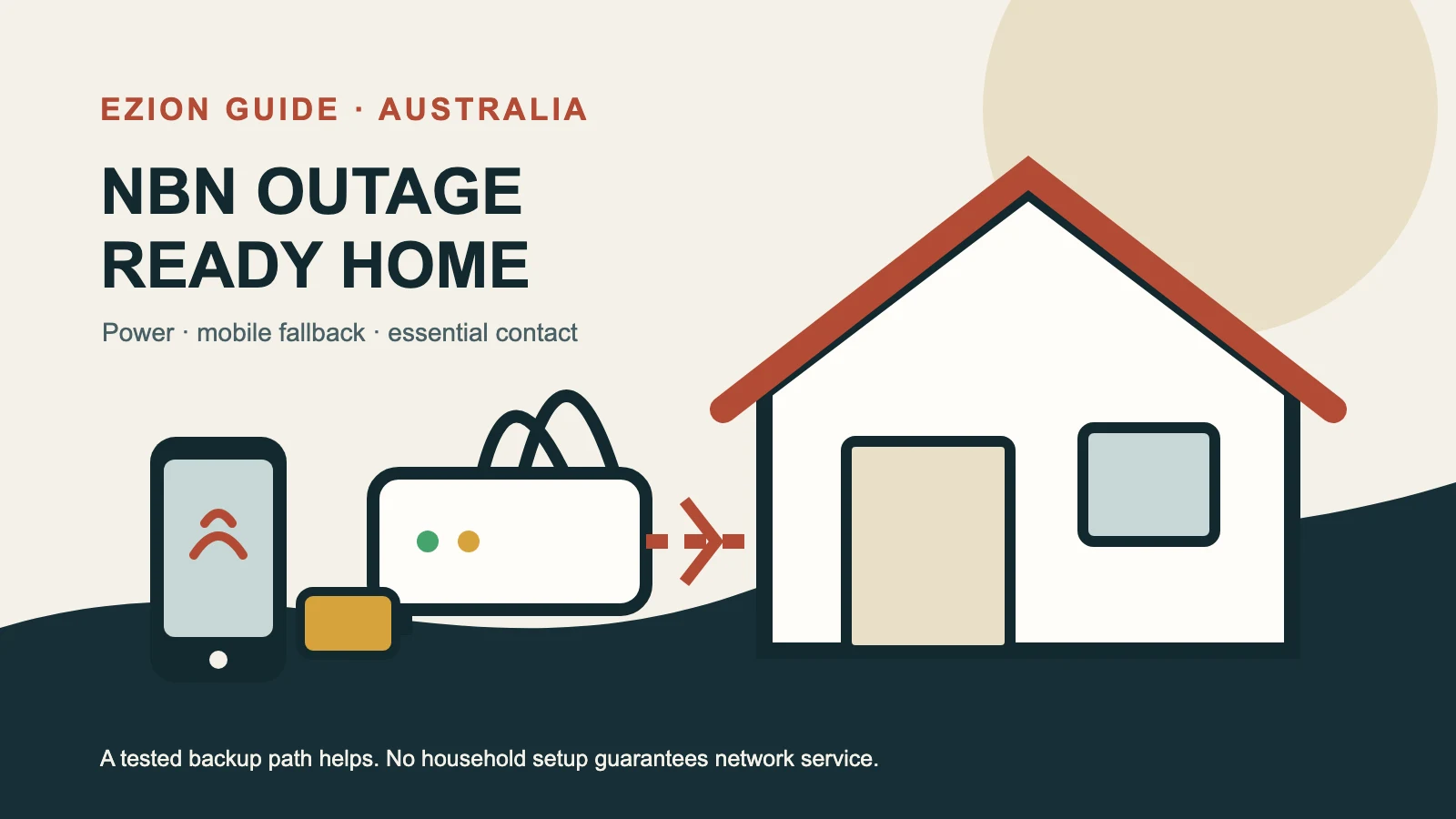
When the home internet stops, ask which part has failed, what still works and what must keep running. A power blackout, an NBN network outage, a retail internet provider fault and a local Wi-Fi problem can look identical on a laptop, yet each calls for a different response. A practical continuity plan identifies the fault, keeps an independent communication path ready, rations power and data, and recognises when to follow emergency instructions.
This guide focuses on outages, not routine network design. For placement, passwords and device organisation, see our Australian home network setup guide. If the connection slows after work hours rather than disappearing, read why NBN can feel slow in the evening. For connected cameras and locks, use the smart-home security guide.
Important: This is general household guidance, not emergency, electrical, medical or telecommunications advice. It contains no affiliate links. Equipment, batteries, networks and provider features vary, and no setup can guarantee internet or phone service during an outage. Follow official warnings and contact your providers about requirements specific to your address and essential devices.
First identify what has actually failed
Start with the house, not a long sequence of resets. Are the lights and ordinary power points working? If power is out, treat the event as a blackout even if a phone still shows Wi-Fi bars. Those bars only mean the phone can hear the router; they do not prove that the router, NBN connection equipment or network beyond the home can reach the internet. NBN states that equipment connected over its network will not work during a power outage and that mains-powered items such as a modem, cordless phone or Wi-Fi router need their own backup power.
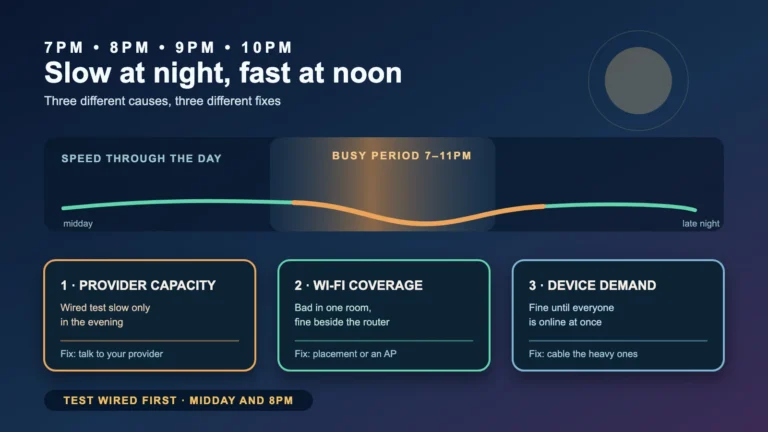
If household power is available, check whether several devices fail in the same way. One affected phone or laptop suggests a device or Wi-Fi issue. Every device losing internet while the router remains powered suggests the NBN access link or the retail provider. Check the indicator lights without moving cables, then use the NBN network-status page for the connected address through mobile data. Also check your provider’s service notices or support channel. NBN advises contacting the internet provider when its address checker shows no NBN network outage, because the fault may affect the individual service.
Avoid factory-resetting the router during a widespread outage. A reset can erase working settings without repairing a failed network upstream. One normal power cycle may be appropriate for an unexplained local fault, but record the light pattern first, wait for equipment to restart fully, and do not repeat the cycle endlessly. If local Wi-Fi is the only problem, the home-network guide covers that diagnosis; this article assumes the fixed internet path is genuinely unavailable.
Build two independent communication paths
The simplest fallback is a charged mobile phone with a usable mobile service and charging cable. Add a charged power bank, keep both where household members can find them, and store important numbers and addresses offline. NBN’s emergency-preparation guidance specifically recommends a fully charged mobile phone and portable battery pack. A second phone on another provider may improve diversity for some households, but only if it is already active, understood and affordable; it is not a universal requirement or a coverage guarantee.
Learn to enable the phone’s hotspot before an outage. Use a strong password, connect only the device needed, and turn it off when finished. A hotspot can support a message, school notice or short work task, but mobile data depends on coverage, the provider, local availability and demand. Automatic mobile failover has the same dependency: it makes switching easier, not connectivity certain.
Write a small “communications card” on paper: the household address, nearest cross street, key contacts, provider support details, and where to find local emergency information. A printed card remains useful when batteries are low or a person under stress cannot recall the address. Download essential documents and any official local emergency plan in advance; a cloud-only copy is not an outage copy.
Understand what backup power can—and cannot—do
A small uninterruptible power supply (UPS) can briefly power selected equipment. Connect only the NBN connection device and router equipment that are needed, follow the manufacturer’s safety instructions, and test the battery periodically. Runtime varies with battery condition and load, so displayed runtime is only an estimate. Do not attach power-hungry appliances or improvise electrical connections.
Most importantly, a working UPS proves only that equipment inside the home has electricity. It cannot guarantee that the NBN equipment in the street, an exchange, the retail provider’s network or other upstream infrastructure remains available. NBN warns that network resilience varies and that outages may last longer than battery backup. Plan to be without fixed internet and an NBN-delivered landline for some time rather than designing around a promised runtime.
The FTTP battery-backup trap
Some older Fibre to the Premises installations have an NBN power-supply unit with a battery. Do not assume this keeps “the internet” running. NBN’s blackout guidance explains that the battery supports relevant NBN equipment, while each other mains-powered item needs separate backup. Your Wi-Fi router, cordless-phone base and any other powered telephone equipment may therefore stop even while the NBN box has battery power. Battery life is finite, and upstream service can still be unavailable.
Before relying on an FTTP battery, identify what is installed, check its indicators and ask the provider how the voice service is connected. An old runtime figure is not a promise for an ageing battery. Other NBN access technologies have different power dependencies, but household backup alone still cannot guarantee end-to-end service.
Treat emergency calls and safety devices separately
In Australia, call Triple Zero (000) for urgent police, fire or ambulance help. ACMA says most NBN-connected services will not work in a power outage, so households should have another way to call, such as a charged mobile phone. A mobile 000 call can use another available Australian mobile network when the caller’s own network is unavailable. However, the phone must be within coverage of at least one mobile network; “Emergency calls only” is not satellite coverage, and no mobile plan can overcome a location with no available mobile network.
The Australian Government also notes that 112 can be dialled from a mobile phone. Ordinary text messages cannot contact 000 or 112. Tell the operator which service is needed, provide the location as clearly as possible, answer questions and stay on the line until instructed otherwise. Keep the address details held by the phone provider current, but be ready to state the actual location because a mobile caller may be away from the service address.
Do not treat a general internet backup as a safety-system plan. If anyone depends on a medical alarm, monitored fire alarm, lift emergency phone or similar device, contact that device’s supplier and the relevant phone or internet provider now. Ask what happens during both a premises blackout and a wider network outage, what backup path exists, who monitors faults, how long any battery is expected to support the device, how it is tested, and what manual action is required. NBN explicitly directs users of these safety-critical devices to their equipment providers for continuity arrangements.
Run a short household test before you need it
Schedule an announced test—not during dangerous weather and never by interfering with a safety-critical device. Confirm everyone can find the charged phone, power bank, cables and paper contacts. Practise enabling the hotspot, connecting one device and switching it off again. Check that mobile service is normally available where the phone will be used.
Next, inspect the NBN and router power leads so they can be identified without guesswork. If a UPS is already installed, use its documented self-test and confirm which equipment remains powered; do not create an outage by pulling unknown cables. Review provider contact methods and bookmark the NBN address-status page. Agree on one family contact outside the immediate area and a simple check-in message. Record the test date, failures and the next battery check. NBN recommends regularly testing alternative communication and power solutions.
For smart homes, decide what works locally when the cloud connection disappears. Confirm that door locks retain a physical or otherwise documented local access method, that household members can operate essential devices manually, and that cameras or sensors losing remote access does not create unsafe assumptions. Security settings do not vanish merely because internet access is lost, but remote alerts and cloud controls may be unavailable. The aim is graceful degradation, not keeping every automation online.
Conserve mobile data and battery during the outage
- Use text-based official updates where possible; avoid streaming, large downloads, cloud backups and software updates.
- Turn off hotspot access for devices not doing an essential task, and pause automatic photo sync and app updates.
- Lower screen brightness, use low-power mode, shorten screen-on time and keep the phone away from heat.
- Disable mobile data for non-essential apps, as NBN recommends, while leaving the communication channels you actually need available.
- Send brief check-ins rather than maintaining continuous video calls. Coordinate so several household devices do not duplicate the same update.
- If reception is weak, avoid repeatedly searching from a risky location. Safety and official evacuation advice come before signal hunting.
Recover in a controlled order
When power or service returns, do not assume every component recovered at once. Confirm the premises power supply is stable and follow any official safety advice. Allow the NBN connection equipment to start first, then the router, then reconnect household devices. Check the NBN status page and provider notices if service remains absent. Note unusual lights and the times power and service returned before contacting support; concise observations are more useful than repeated resets.
Turn off the mobile hotspot once fixed service is confirmed, resume paused backups and updates gradually, and recharge the phone, power bank and UPS. Check whether clocks, alarms, cameras and other smart devices need attention, but do not change passwords or factory-reset equipment merely because it was offline. Be Connected notes that losing internet access does not itself remove existing online security measures.
Finally, improve the plan while the experience is fresh. Replace failed items, correct the contact card, decide who checks on a vulnerable household member, and report unresolved faults. A resilient household can recognise the failure, switch to a tested alternative, preserve power for essential communication and act safely when every network path is unavailable.
Official sources
- NBN Co: What happens during a power blackout?
- NBN Co: Prepare for an emergency
- NBN Co: Prepare now to help stay connected in emergencies
- NBN Co: Network status and outages
- ACMA: Emergency calls
- Australian Government: How to call Triple Zero (000)
- Be Connected: What if my home network can’t connect to the internet?